
Tuli Builder — build and manage WordPress websites using AI
Tuli Builder is the easiest and fastest way to create a WordPress website using AI. Describe what you want and Tuli Builder’s built-in AI assistant does the work for you — writing clean HTML & CSS live on the canvas, and going far beyond it: installing and configuring plugins, writing custom PHP and complete plugins, building working forms, registering custom post types and fields, and publishing content. Prefer your own AI coding agent? The built-in MCP server gives Claude Code, Cursor or Codex exactly the same tool set. You review every line before publishing.
- Registering post typeJobs + 2 taxonomies
- Installing pluginactivated
- Writing PHP snippet1.4k chars
- Building the form6 fields
- Writing archive template3.1k chars
What your AI assistant can do
The AI assistant is not just a static page generator — it can do anything WordPress can do, with no limitations.
Installs and configures plugins
It searches the WordPress.org directory, installs and activates the right plugin, configures its settings and deactivates what you no longer need — then wires it into your pages.
Writes custom code and whole plugins
Custom PHP functions, hooks, filters and shortcodes land in Tuli → Code Snippets, safely managed. When a job needs more, it can scaffold and activate a complete WordPress plugin for you.
Builds forms that actually work
Contact, quote and booking forms with server-side validation, spam protection, stored entries and email notifications — built in Tuli → Forms and placed on any page by reference.
Creates custom post types and fields
Properties, courses, recipes, team members — it registers the custom post type, its taxonomies and ACF field groups, so each one gets a real dashboard screen your client can edit.
Builds dynamic, data-driven pages
Query loops, AJAX filters and dynamic data tokens — listings, archives and related content that read live from your database on every request, not hard-coded HTML.
Designs templates for the whole site
Headers, footers, single, archive, 404 and search templates with display conditions and priorities, so one design decision applies everywhere it should.
Writes content, SEO, AEO and accessibility
It drafts and publishes posts and pages, writes titles and meta descriptions, adds structured data (JSON-LD schema markup) and FAQ sections, and follows built-in expert playbooks for design, copywriting, SEO, AEO (getting your site cited by AI assistants) and WCAG accessibility.
Handles media, global code and WP-CLI
It uploads images to your Media Library, adds site-wide CSS and JavaScript, inserts head and footer snippets like Google Analytics or Tag Manager, and drops to WP-CLI when a task needs the command line.
Checks its own work, keeps going in the background
It renders what it built at desktop and phone widths, measures the layout, flags broken spacing and contrast, and fixes them. Long builds run server-side, so you can close the tab and come back to finished work.
Prefer your own AI coding agent? Use our MCP server
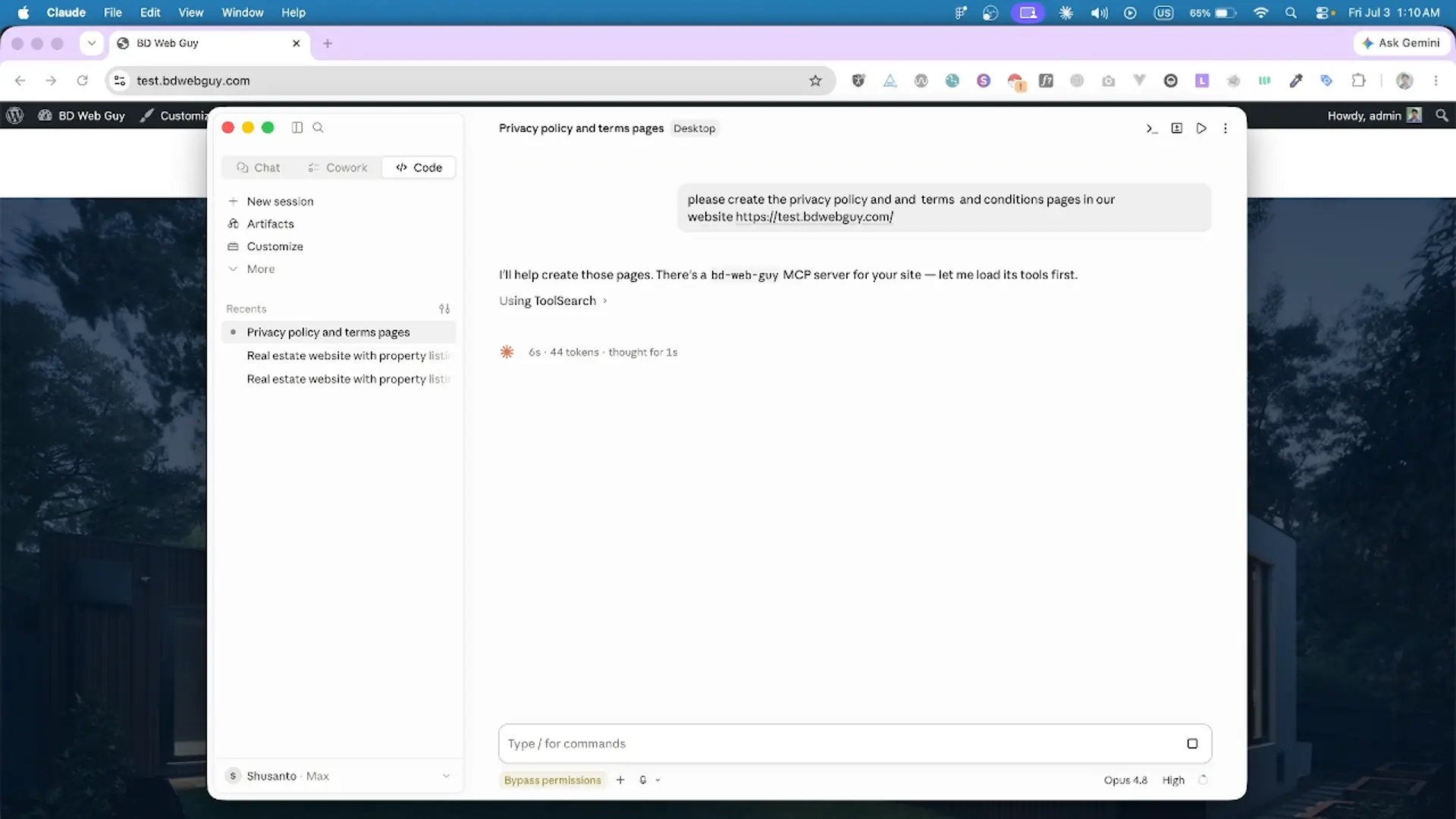
The built-in AI assistant already does everything on your site. If you would rather work in the AI tool you already pay for, turn on the MCP server and connect Claude Code, Cursor, Codex or any agent that speaks MCP — it gets exactly the same tool set: write blog posts, create pages, design templates and query loops, install and configure plugins, write custom PHP, snippets and whole plugins, build forms, register custom post types and fields, upload media, run WP-CLI and build complete Tuli layouts. You stay in control with a secret token you can revoke at any time, and your theme stays locked and safe.
Every HTML tag becomes an editable element
Paste your markup and Tuli maps it into the Structure panel: a live tree of your page where every native HTML tag — section, article, h1, img, a, lists, tables, SVG — becomes a selectable element. Expand and collapse nodes, drag to reorder, rename, and click any row to jump straight to that element on the canvas. That's how you convert HTML to WordPress with the structure intact, tag for tag.
- A live DOM outline — every HTML tag appears as a nested node
- Click any node to select that element on the canvas instantly
- Drag to reorder, nest, rename and duplicate elements
- No theme files to touch — your HTML structure stays intact
Every CSS rule stays in sync with the element settings
Customize your elements from the settings panel, or by writing CSS yourself — whichever you like. Change it in one place and it instantly changes in the other, and on the live page too. Everything stays in sync, and your edits are saved as clean, real CSS.
- Generates clean CSS code with no extra bloat
- Style panel, CSS box and canvas stay in lockstep
- Two-way sync — edit CSS by hand, controls update too
- Duplicate selectors auto-merge into one clean rule
.btn-primary {
  background: ;
}
Turn any element into a dynamic loop
Enable a query loop on any element in the builder and it becomes a template — Tuli clones it for every post, product or custom query. Configure it with a familiar WP_Query interface, or drop to raw PHP or an ACF repeater when you need full control.
- Enable a query loop on any page builder element
- Configure it visually with WP_Query, or write raw PHP
- Loop posts, products, ACF repeaters or the main query
- Style the template once; every result matches it instantly
Fill your design with live content
Insert dynamic data into any text or attribute — the post title, content, featured image, or any ACF field. Built-in tags and your ACF field names are right there in the searchable picker, so you just click to insert. Need something custom? Call any WordPress or custom function by typing {function_name} and Tuli prints its output live.
- Insert post fields — title, content, excerpt, date, image
- ACF supported by default — field names appear in the picker
- Built-in tags & ACF fields — search and click to insert
-
Print any custom function by typing
{function_name} - Resolves live from WordPress — and per item in a loop
Tuli Builder ships a complete WordPress page builder element library
Prefer to build from scratch? Drag and drop 60+ elements — layout containers, headings, buttons, sliders, forms and menus, plus 30+ native WooCommerce blocks and WP Grid Builder support. Every element outputs clean, standard markup, with no add-ons and no limits.
Still building WordPress websites manually? Let Tuli Builder do it
One video, every feature — watch how Tuli’s AI-powered builder helps you create a complete WordPress website using AI — design, build and launch faster than ever.
 ▶ Watch the demo
Built for the WordPress stack you already use
Tuli Builder is a full builder, not a widget pack
Beyond the core workflow above, Tuli ships everything you need to build and ship a real WordPress site — each piece serving the same goal: total visual control over standard, portable code.
Reusable templates
Build headers, footers and sections once, then reuse them across every page on the site.
WooCommerce blocks
30+ native WooCommerce parts — product title, price, add-to-cart, cart and checkout — to design custom shop pages.
PHP & shortcodes
Drop in raw PHP or any shortcode. Tuli pre-renders it server-side so the canvas shows real output.
Responsive breakpoints
Design for desktop, tablet and mobile with per-breakpoint styles that write real CSS media queries.
Design tokens & fonts
Set colours, spacing and type as reusable design tokens, and load any Google Font in a click.
Code blocks
Embed isolated HTML/CSS/JS blocks for anything custom, kept tidy and selectable.
Copy & paste sections
Copy a styled block as a self-contained snippet and paste it anywhere — styles travel with it.
Undo / redo
Debounced history of HTML and CSS snapshots so you can experiment fearlessly.
Clean, on-demand code
Standards-based HTML & CSS, sanitized for safety, with scripts loaded only for the elements you use.
Tuli Builder: build and manage with AI, with full control over every line of code
Other builders trap your work behind their own widgets, slow every page with scripts you never use, and charge extra for the essentials. Tuli is a WordPress theme and page builder in one that hands you full control of clean, portable code. See how it stacks up.
| Capability | Tuli | Other builders |
|---|---|---|
| Build and manage your whole site with AI | Built in | Limited or paid add-on |
| Full control over every line of HTML, CSS & JavaScript | Full control | Locked behind widgets |
| Supports every HTML tag, including semantic elements and SVG | All tags | Limited widget set |
| Edit any attribute: ids, classes, ARIA, data-* and more | Full control | Limited settings |
| Paste any HTML/CSS and it just works | Core feature | Rarely, or read-only |
| Accessibility-ready markup (semantic tags, ARIA, alt text) for ADA/WCAG work | You control it | Div-heavy, hard to fix |
| SEO- and AEO-friendly output that search engines and AI can read | Semantic HTML | Wrapper-heavy markup |
| AI assistant builds pages & makes changes | Built in | Paid add-on or absent |
| Built-in MCP server to manage your site with AI agents | Built in | Not built in or limited |
| Produces clean, bloat-free code | Always | Bloated wrapper markup |
| Built-in forms with saved entries and spam protection (honeypot, rate limits, keyword filters) | Built in | Extra plugin needed |
| Built-in code snippets (PHP, CSS & JS) for any custom functionality your site needs | Built in | Separate snippets plugin needed |
| Native WooCommerce building blocks | 30+ parts | Paid add-on |
| Built-in AJAX filters for query loops | Built in | Paid add-on or absent |
| WP Grid Builder support | Supported | Not supported |
| Loads scripts only for the elements you use | On demand | Loads everything, used or not |
| Export your whole site as static HTML, so you can leave any time | One-click export | Your site stays locked in |
Good to know
What is Tuli Builder?
What can the built-in AI assistant do?
Does the AI assistant only generate static HTML pages?
Can I paste in a vibe-coded website?
How do I convert HTML to WordPress?
Do I need to know how to code?
Does it work with my existing theme and plugins?
Is it secure to let users paste HTML?
<script> is opt-in for trusted administrators only.Tuli Builder — the AI WordPress page builder that ships clean code.
Create your WordPress website using AI, convert HTML to WordPress, and design visually — without lock-in. Try Tuli today.